Amazon main image rules: pure white background, 2000 px, and how to pass them
The Amazon main-image requirements in plain language — white background, product fill, size — and the fastest way to produce a compliant image plus lifestyle gallery shots.
Nov 2, 2026PicBarn
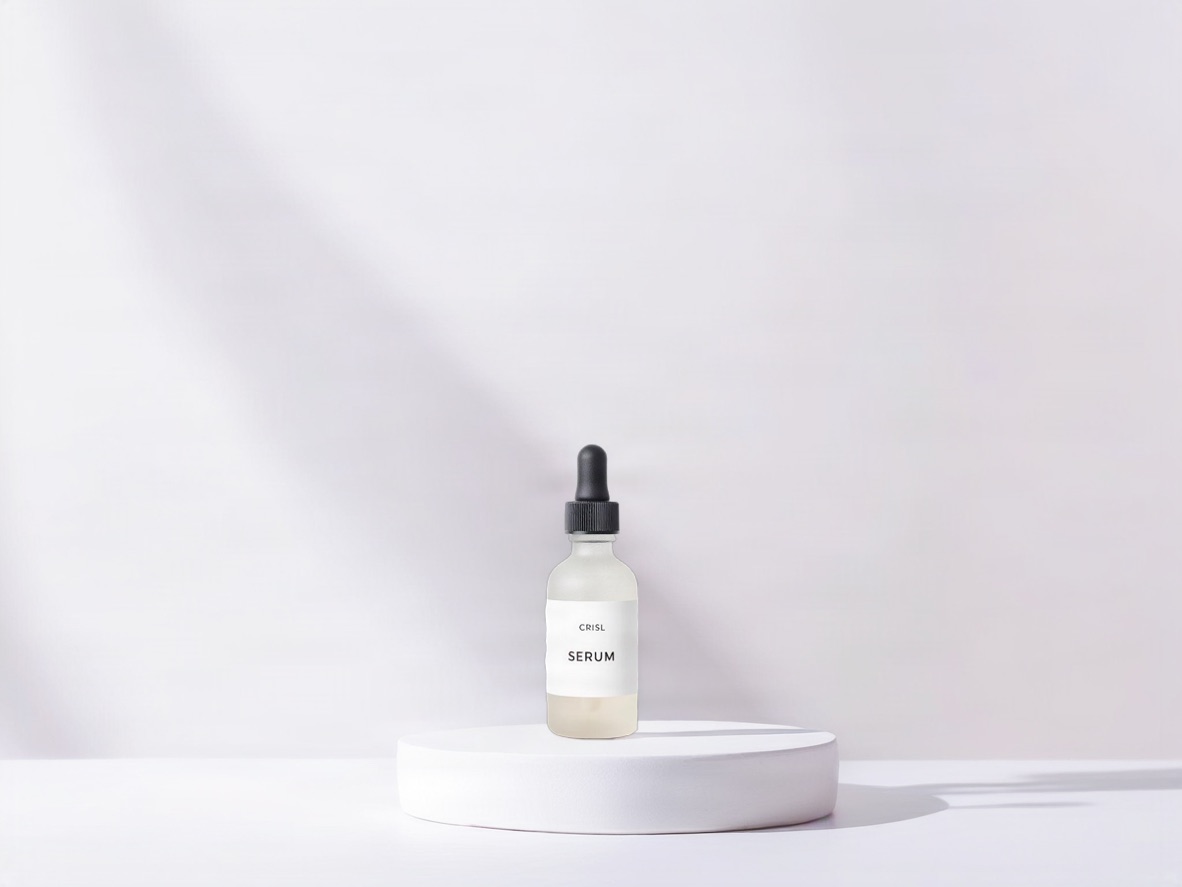
Amazon suppresses listings whose main image breaks the rules, and the rules are stricter than most sellers remember. Here they are, then the quickest compliant workflow.
The main-image rules that get listings suppressed
- Pure white background. RGB 255/255/255. Off-white, light grey or a studio sweep with a visible gradient fails.
- The product fills ~85 % of the frame. No large empty borders.
- Only the product. No props, no text, no logos, no watermarks, no models for most categories (apparel is the exception: on-model is allowed, mannequins are not).
- Longest side at least 1000 px, ideally 2000 px or more so zoom works. Square 2000 × 2000 is the safe default.
- JPEG or PNG, sRGB.
Gallery images (slots 2–7) are free: lifestyle scenes, on-model shots, infographics, close-ups.
The workflow that satisfies both
- Shoot the product on a plain background — it does not have to be perfect white; it has to be clean.
- Generate the gallery with AI product photography: kitchen, living room, outdoor — the product pixels are composited, never redrawn, so the lifestyle images show the real item.
- Export each chosen image at 2000 × 2000. The export pads to white, so the gallery shots are also safe if Amazon ever flags them.
- Main image: use the clean studio shot (the "Studio white" scene renders a white set with a soft shadow).
Common ways to fail
- A "white" background that is actually 250/250/250 from a camera profile.
- A gallery image used as the main image: the scene counts as a prop.
- Text baked into the main image ("Best seller", size badges).
- A mannequin in apparel — Amazon treats it as a prop; use a model (real or virtual).
Before you upload
Open the exported main image at 100 % and check the corners: they should be indistinguishable from the page background. If they are not, re-export with the white pad — the studio does that automatically.