Lifestyle product photography at home: the scenes that convert for kitchen and home goods
Which lifestyle scene answers which buyer doubt for kitchen and home products, how to frame and light it at home, where each shot belongs on Amazon, Shopify, Etsy and TikTok Shop, and when a generated scene replaces the shoot.
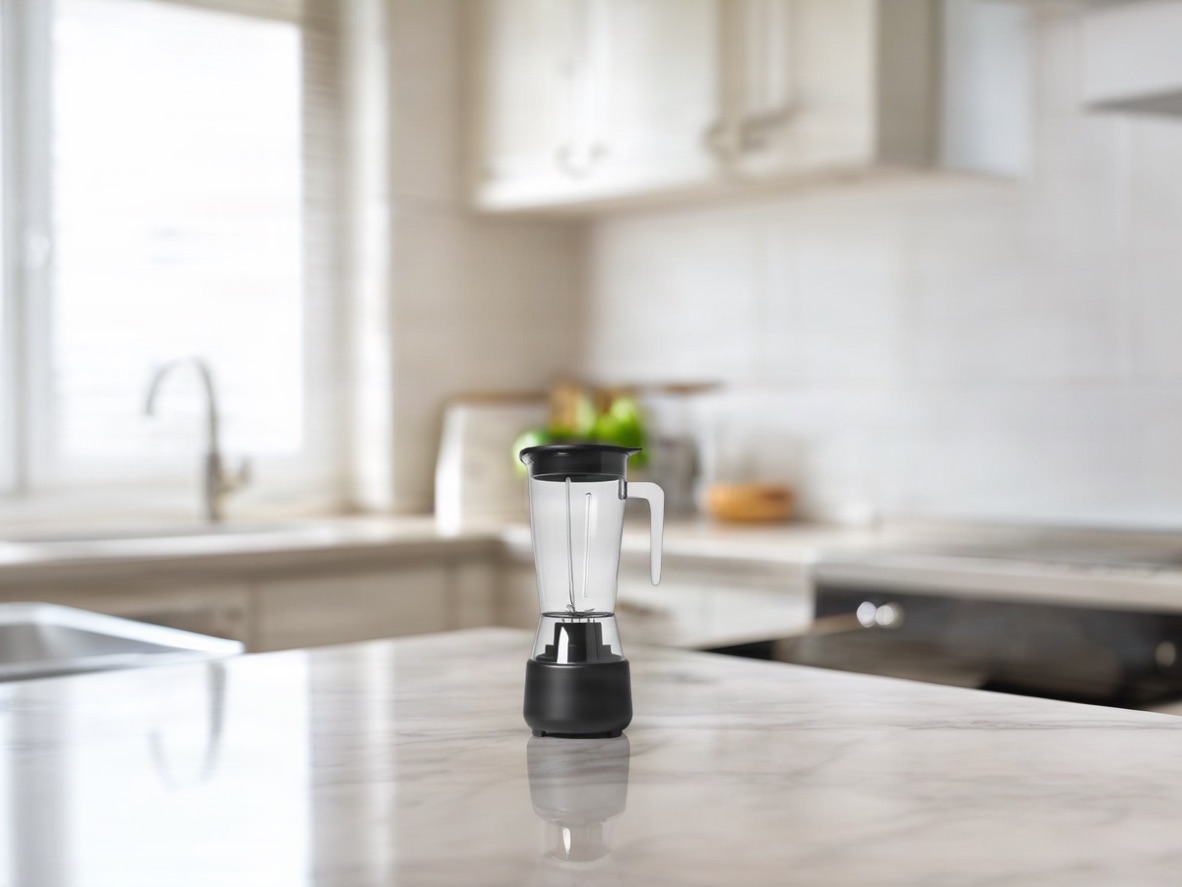
Lifestyle product photography shows a kitchen or home item doing its job somewhere a buyer would use it, on a counter, at a sink, on a laid table, instead of floating on white. This page helps you pick which scenes to shoot at home, how to frame them so the product stays readable, where each shot belongs across the marketplaces, and when generating the scene around your existing photo is the better use of an afternoon.
Key takeaways
- Lifestyle product photography keeps the product as the subject; the room exists to show scale, quality and context, not to tell a story about people.
- Each scene answers one buyer doubt: countertop answers "will it fit my kitchen", in-use answers "does it work", table and storage answer "how much does it hold or serve".
- The main image stays plain. Amazon requires the product on pure white filling 85% of the frame; lifestyle shots go in the gallery slots after it, and Amazon recommends at least six images plus a video.
- At home, one light source and one to three props beat any equipment upgrade.
- A generated scene keeps your product pixels and changes only the surroundings, which is the right tool for a seasonal refresh across many SKUs.
What a lifestyle shot has to accomplish
A lifestyle photo of people, a couple cooking or friends over coffee, is about a moment. Lifestyle product photography borrows that natural, styled-room feel but keeps the product central. For a cutting board or a stand mixer, that means the room supports the item, not the other way round. The function is twofold: scale and quality cues (how big it is next to a mug, how the finish catches the light) and a mental picture of the item in the buyer's own kitchen. A photo that looks nice without doing one of those two jobs is decoration, not conversion work.
Images are the first thing most shoppers judge a product page on, so get the primary images right before adding angles.
Five scene types for kitchen and home goods
Countertop and prep. Use when the doubt is "will this fit my counter and match my kitchen": cutting boards, knife blocks, utensil crocks, small appliances. Keep the counter simple, one or two props, no competing patterns. This is the scene that sells appliances because it shows where they live day to day.
In use. Use when the doubt is "does it actually work": a pan mid-sear, a mixer running, a kettle with steam. Only worth shooting when the product has a visible action; otherwise skip it.
Dining, serving and storage. Use when the doubt is "how many does this serve" or "how much does it hold": bowls on a laid table, a pitcher beside filled glasses, a canister next to pantry staples for scale. It doubles as a styling answer because it shows complementary items.
Sink and clean-up. Drying racks, brushes, soap dispensers: anything whose selling point is placement near the sink. Narrow, skip it for everything else.
Living room and evening. Candles, diffusers, speakers and decor sell on mood; lamp light and a sofa arm do what a white background cannot. Keep the product's colour true by keeping warm props out of focus.
In-use scene versus flat lay versus plain backdrop
There is no public A/B test proving one format beats another for kitchen goods; what differs is what each communicates, and that should drive the choice.
- In-use or lifestyle when scale, function or fit is the question.
- Flat lay when you sell a set and the buyer needs to count pieces at a glance; overhead reads fastest.
- Plain backdrop when the product itself is the whole story (material, colour, finish) and for every marketplace main image.
Rule: let the main image do the trust-and-clarity job on white; add one or two lifestyle or in-use shots in the gallery to answer the scale and context questions the first image cannot.
Composition that keeps the product readable
The 60-20-20 split. About 60% of visual weight on the product, 20% on supporting context (a counter edge, one ingredient), 20% clean negative space for cropping into thumbnails and ads. If props or backsplash pull more weight than the product, the shot may work on social but adds friction in a shopping context.
Angle. The three-quarter angle (slightly from the side and above) is the safe default: it shows the front face and the top surface, so cookware reveals rim depth and lid fit and appliances reveal footprint and controls. Switch to overhead for sets and capacity; straight-on when a control panel or front branding is the main thing to read.
Lighting and styling at home
- One light source. Mixing warm under-cabinet light with cool window light shifts the colour of stainless steel and white plastic, the finishes buyers scrutinise most.
- Soft, indirect daylight near a window. Direct sun gives hard shadows that hide texture on brushed metal and matte finishes.
- One to three props. A folded towel, a wooden spoon, a single ingredient. More competes with the product.
- Watch reflections. Chrome kettles, glossy bowls and glass carafes reflect the room, your phone and your hands.
- Simple background. A plain counter or one clean section of backsplash beats a patterned surface.
This works with a phone. The constraint is discipline about what is allowed in the frame, not equipment.
Where each shot belongs on Amazon, Shopify, Etsy and TikTok Shop
Amazon. The main image must be the product on pure white (RGB 255, 255, 255), filling 85% of the frame, no text or props; Amazon recommends at least six images and one video per product, 1,000 px or more on the longest side for zoom. Lifestyle and in-use shots go in the variant slots (PT01 onward), typically after the literal angles.
Shopify. No marketplace main-image rule; the product page can lead with a lifestyle hero. Shopify suggests 2,048 × 2,048 px for square images and one consistent ratio per collection.
Etsy. Photos must represent the item accurately; Etsy recommends 2,000 px or more and a horizontal or square first photo, and crops thumbnails three ways, so centre the product and leave room around it.
TikTok Shop. Square, at least 600 × 600 px, up to nine images; the main image is the front view on pure white with nothing added, and five or more images reach the "Good" listing tier. Lifestyle shots are gallery images.
Across all four: lead with the clear product shot, then one or two scenes.
When to generate the scene instead of shooting it
A seasonal refresh across thirty SKUs used to mean thirty reshoots. A generated scene keeps the product you photographed, pixel for pixel, and builds the room, the light and the contact shadow around it, so the kitchen-counter, café-table and holiday-table versions all come from the same white-background file. PicBarn's scene library has twelve such scenes with the light and camera height tuned per scene (3 credits for four candidates), and the AI product photography tool exports the same product on pure white for the main image. Shoot the product once, well, on white; let the scenes do the seasons.
FAQ
Does a styled scene convert better than a plain backdrop for kitchen products? No published test settles it for the category. Choose by the doubt the image removes: scale and context favour a scene, material and finish favour a plain backdrop, and the main image is plain by marketplace rule anyway.
Flat lay or in-use for a cookware set? Flat lay to count pieces, in-use to show performance; both can sit in one gallery.
Safest angle for a small appliance? Three-quarter: front face and top surface in one frame. Overhead for capacity, straight-on when the panel must be readable.
How many lifestyle images on an Amazon listing? Amazon recommends six or more images in total; one or two of them lifestyle, placed after the literal angles, is the common pattern in Home & Kitchen.
Can I shoot these at home? Yes: one consistent light source, a simple background, one to three props. The risks are mixed colour temperatures on metal and white plastic and clutter in reflections.
Sources
- Amazon Seller Central, Product image requirements: main image rules, 85%, six images plus video, zoom threshold.
- Shopify Help Center, Product media types.
- Etsy Help, Listing photos.
- TikTok Shop Seller University, Product listing policy and listing quality guidelines.