TikTok Shop product image requirements (1:1 and 3:4) and how to meet them
TikTok Shop’s image rules from its own seller pages: square 1:1, at least 600 × 600 px, up to nine images, a front-view main image on pure white with no text or renderings, what the 3:4 tolerance really means, the AI-image rules, and a pre-upload routine.
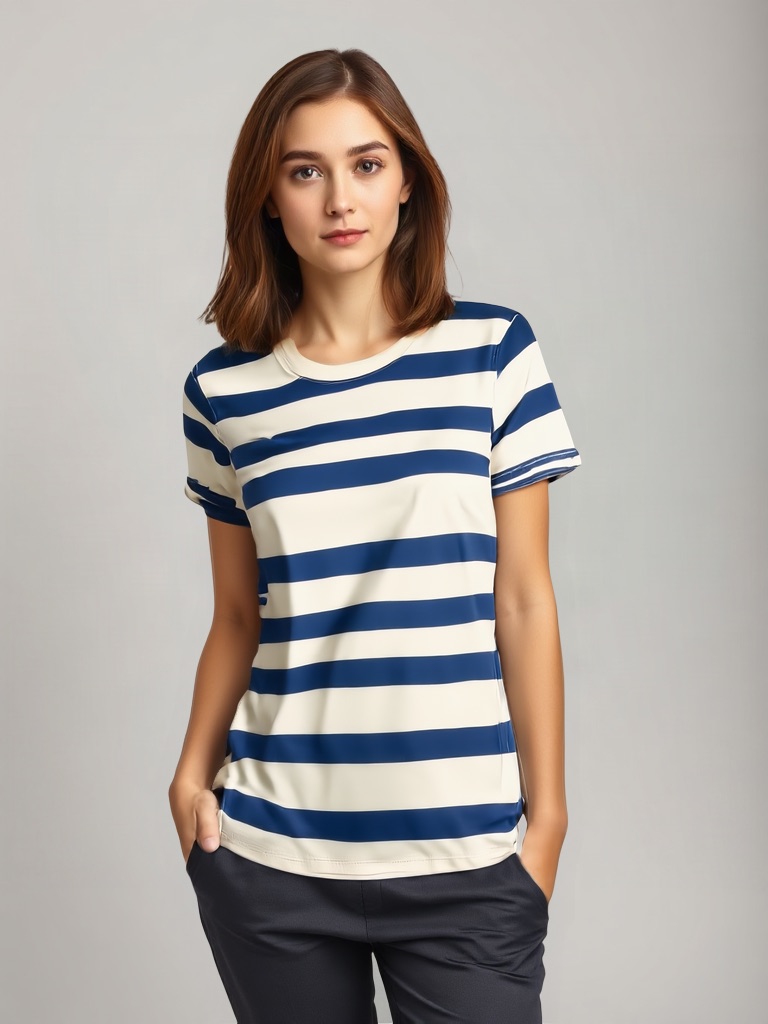
TikTok Shop's product image rules come down to a ratio, a pixel floor and a short list of things the main image may not contain. Hit all three and the upload goes through untouched; miss one and you get a white-border crop you did not ask for, a failed upload, or a listing stuck in the "Poor" quality tier. This page takes the rules from TikTok Shop's own Seller University pages (US market unless noted), explains where 3:4 fits, covers the AI-image policy that matters if you generate images, and ends with a pre-upload routine.
Key takeaways
- Square is the format. Listings take up to nine square images, at least 600 × 600 px; the bulk listing tool accepts 3:4 to 4:3 and pads anything else with white borders to 1:1.
- The main image is strict: front physical view of the product on a pure white background, no added logos, text, borders, watermarks or graphics, in colour, and no placeholders or digital renderings.
- Five or more images get you to the "Good" listing tier, which affects distribution in search and recommendations.
- AI images are allowed in the gallery when they accurately represent the real product; they must not change size, colour, shape or features, and significant AI use should be disclosed.
- Children's swimwear and underwear must be shown flat, never on a child model or mannequin.
What TikTok Shop checks on every product image
Dimensions and count. All product images must be at least 600 × 600 px and square; sellers can upload up to nine images per product, one of them selected as the main image. Additional images should show the front, back, sides and details including accessories, and multiple images of the same angle are not allowed. Seller Center uploads accept JPG, JPEG and PNG up to 10 MB (that figure comes from integration documentation rather than the policy page; the policy page itself does not list formats).
Main image content. The Product Listing Policy requires the main image to show the front physical view of the product on a pure white background as an objective representation of what is for sale. All product images must be free of added logos, text, borders, watermarks or graphics covering the product; placeholders and digital renderings are not allowed; images must be in colour (black-and-white is not acceptable) and must include only what the customer will receive.
Listing quality tiers. TikTok scores listings as Poor, Fair or Good. Poor listings have low-resolution images, clickbait or promotional content; Good listings have high-resolution images and five or more images of the main product. The listing-quality guidance also says to avoid using a single base photo with only colour or clothing changes applied in editing software, and not to add marketing or promotion stickers.
Category rules. Children's swimwear and undergarments must be displayed flat and cannot feature child models or mannequins; for other categories child models and mannequins are permitted.
1:1 versus 3:4
The bulk Excel listing tool recommends 1:1 and still uploads images with an aspect ratio between 3:4 and 4:3; anything outside that band gets white borders added automatically to force 1:1. The Product Listing Policy, which governs the listing itself, says images must be square. So treat 1:1 as the rule and 3:4 as a tolerance that survives the bulk tool, not a second format to design for. If an apparel or footwear shot is naturally tall, crop it square with the product centred rather than letting the tool pad it, because padding shrinks the product in the thumbnail.
Whatever you do, do not mix ratios within one listing's gallery; a 3:4 image in a row of squares looks like an error.
AI-generated images: what TikTok Shop allows
If you generate images rather than shoot them, two TikTok Shop pages apply.
The listing-image AIGC page says AI-generated content is allowed when it accurately represents the real product. It must never change the product's size, colour, shape, features or performance; must not distort physical dimensions or create false scale through composition or reference objects; must not contradict material, volume, thickness, length or quantity attributes; must not replace the sold product with people, animals or accessories as the main subject; must not present flat or printed products as raised or three-dimensional; and must not add glow, lighting, motion or special effects that suggest functions the product lacks.
The general AIGC page adds the disclosure rule: content that is fully or significantly AI-generated should be labelled with on-screen text, a watermark or sticker, or the platform's "AI-generated content" toggle; false disclosure is a violation; AI must not imitate a real person's likeness or voice, show results the product cannot achieve, or fabricate doctors and experts for health products.
Put together with the main-image rule ("no digital renderings"), the practical reading is: the main image is a real photo of the product on white; AI images belong in the additional slots, must keep the product exactly as sold, and should be disclosed. A virtual try-on that transfers your real garment photo onto a synthetic model, with the garment unchanged, fits that reading; an infographic that draws the product from a description does not belong in the main slot.
Fixing an image that fails
Wrong ratio. Divide width by height: 1,200 ÷ 1,200 = 1.0 is square; 900 ÷ 1,200 = 0.75 is 3:4; 1,600 ÷ 900 = 1.78 is outside the band. Crop, never stretch; stretching distorts the product.
Too small. Under 600 × 600 px the upload fails. Do not upscale a small file; go back to the original or reshoot. Export at 1,200 × 1,200 or larger so a later crop still clears the floor.
Text, badges or a busy background on the main image. Remove them. If the product was shot on a coloured or cluttered background, produce a pure-white version from the same photo (PicBarn's AI product photography tool exports one) and keep the lifestyle version for an additional slot.
Only one or two images. Add angles, a detail shot and an in-use shot to reach five; for apparel an on-model image from the virtual try-on tool counts as one of them, with the garment pixels unchanged.
A pre-upload routine
- Confirm each file is at least 600 × 600 px and square (or within 3:4 to 4:3 if you accept white padding).
- Confirm the main image is the front view on pure white, in colour, with nothing added and nothing that is not in the box.
- Check the gallery has five or more distinct angles and details, no duplicates of the same angle.
- For any AI-generated image, compare it against the real product for size, colour, shape and included items, keep it out of the main slot, and plan the disclosure.
- Export as JPG or PNG under 10 MB, then re-check the saved file's pixel size; some tools change it on export.
Where the rules differ by market
TikTok Shop runs a separate Seller University per market. The UK pages state a minimum of 800 × 800 px rather than 600; the Philippines and Malaysia pages state 1:1 explicitly. The main-image and AIGC rules above are from the US pages. If you sell in several markets, open your own market's Product Listing Policy before finalising the asset set.
FAQ
Does TikTok Shop require exactly 1:1 images? The listing policy says images must be square. The bulk tool tolerates 3:4 to 4:3 and pads to 1:1 with white borders. Export square.
What is the minimum size? 600 × 600 px in the US (800 × 800 in the UK). Export larger.
Can the main image have text or a badge? No. No added logos, text, borders, watermarks or graphics on any product image, and the main image must be the front view on pure white.
Can I use AI-generated product images on TikTok Shop? In additional slots, yes, when they accurately represent the real product and are disclosed; digital renderings are not allowed as the main image.
How many images should I upload? Up to nine; five or more of the main product is what the "Good" listing tier asks for.
Sources
- TikTok Shop Seller University (US), Product Listing Policy: square, 600 × 600, nine images, main-image rules, no digital renderings, children's categories.
- TikTok Shop Seller University (US), Product detail pages and listing quality guidelines: tiers, five images, no promo stickers.
- TikTok Shop Seller University (US), How to add products to your shop: bulk tool 3:4–4:3 tolerance and white-border padding.
- TikTok Shop Seller University (US), AI-generated content requirements for product listing images and AI-generated content restrictions.