Product photos · Small kitchen appliances
Small kitchen appliance photos: blenders, kettles, air fryers
Appliance buyers want to know whether it fits on the counter, what it does and what comes in the box. The gallery should answer those three questions before they reach the reviews.
The gallery this category needs
- 1
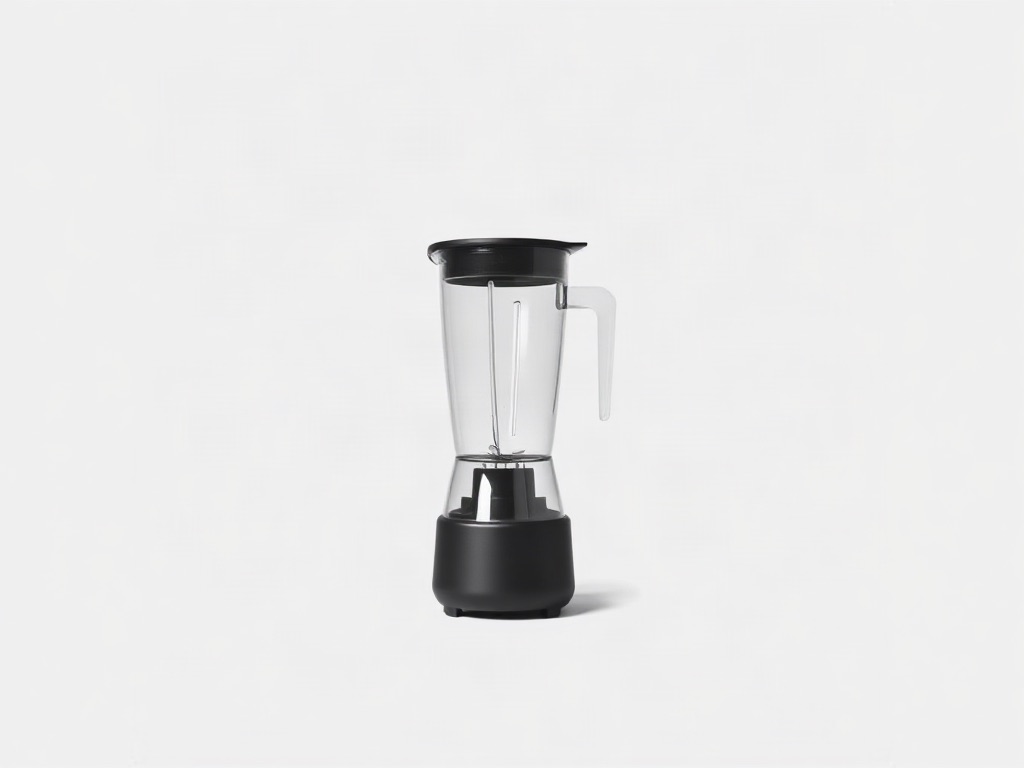
Your own photo of the appliance on pure white, three-quarter angle, all included parts attached
The main image has to show the whole unit once, and a three-quarter view shows depth as well as the front.
- 2
In use on a kitchen countertop with real food going in or coming out
Shows the appliance doing its job and lets buyers judge its size against cabinets and a chopping board.
- 3
Controls and display close-up
Buttons, dials and settings are a common question, and a sharp close-up answers it without the manual.
- 4
What is in the box: every included jar, blade, lid and cable laid out
Accessory confusion is a frequent return reason, and a flat layout shows exactly what ships.
- 5
Dimensions image with height, width and depth from your own spec sheet
Counter space and cabinet clearance decide the purchase for many buyers.
- 6
Feature infographic: three key features in real text
Lets buyers compare power, capacity and functions at a glance against similar units.
- 7
Cleaning or storage image: dishwasher-safe parts, cord storage
Ease of cleaning is a deciding factor for blenders and air fryers, and an image is quicker than a paragraph.
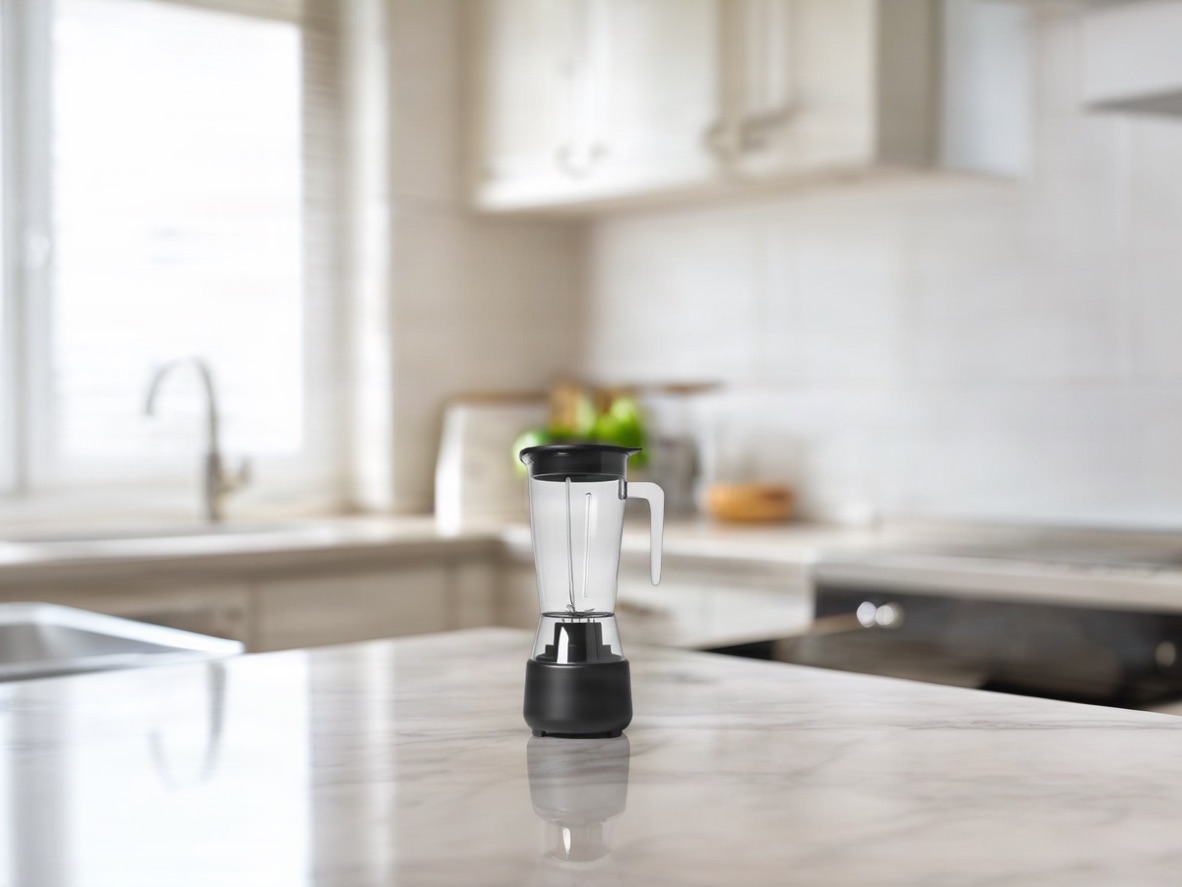 Original photo: matte black personal blender with a clear cup on a white backgroundOriginalGenerated
- Edit:
- White background → Kitchen countertop, morning window light
- For:
- Amazon gallery image two for a kitchen appliance
Scenes that fit
Platform rules that bite here
Amazon
The main image allows only included accessories and shows the whole product once. A blender with fruit, a second jar or a recipe book in the main image implies those ship with it.
Walmart
Walmart recommends a 2200 x 2200 px main image with a 1500 x 1500 px minimum for zoom, and bans accessories not included and too many props.
TikTok Shop
AIGC must not add glow, motion or effects that suggest functionality the product does not have, so no generated steam, speed lines or glowing heating elements.
Amazon A+
A+ images may not carry warranty or guarantee claims or competitor comparisons, so "2-year warranty" badges and side-by-side charts with named brands stay out.
What gets this category rejected or ignored
- Food and accessories in the main image that are not in the box.
- Glossy black or stainless finishes reflecting the studio, so the shape is lost in highlights.
- Generated steam or motion effects that overstate what the appliance does.
- Dimensions images with sizes that do not match the listing's spec fields.
- A cable cropped out of the main image when it is permanently attached.
Questions
Can I show food in the main image?
Not on Amazon or TikTok Shop unless the food is included, which it rarely is. Put food in the in-use shot on the counter.
What angle works best for the main image?
A three-quarter front view usually shows the controls and depth together. Keep the whole unit in frame and filling about 85% of it for Amazon.
How do I photograph stainless steel without reflections?
Surround the unit with large white cards so the reflections are clean and even, then let AI tidy the background only. Do not let it repaint the finish.
Do I need a video?
Amazon recommends at least six images and one video. For appliances a short clip of the unit running is the clearest proof of how it works.
Build the small kitchen appliances gallery from one photo
Upload the white-background shot, pick a scene, export at every platform size. 5 free credits.
Related
- AI product photography — lifestyle scenes from one photoPlace your product in a kitchen, living room, desk or outdoor scene. The product stays pixel-exact; the scene, light and shadows are generated around it.
- Kitchen countertop product photosBright marble or butcher-block counter, soft window light. The default for small appliances, cookware and pantry goods.
- Amazon infographic images — A+ feature callouts with real textMake Amazon infographic images and A+ content modules in a minute: describe the product, type up to four selling points, pick a layout. The text is rendered exactly as typed, readable at thumbnail size. 1 credit per image.
- Amazon image requirements checkerFree: upload an image, see which marketplace rules it passes.