Ghost mannequin vs AI model photos: which one sells the garment?
Ghost-mannequin shots show shape; on-model shots show fit. When to use each, what each costs, and how to get both from one photo.
Nov 2, 2026PicBarn
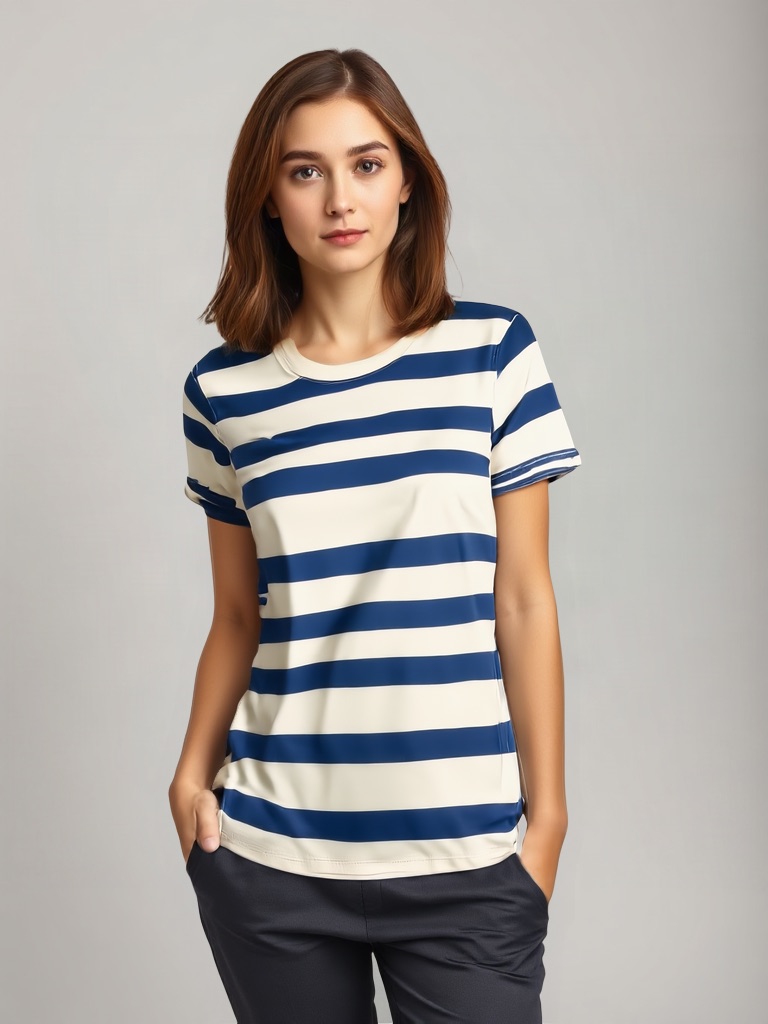
Ghost mannequin (invisible mannequin, hollow man) is the e-commerce standard for a reason: it shows the garment's true shape with nothing in the way. On-model photos show how it hangs on a person. You usually want both — the question is what each one costs you.
Ghost mannequin
- What it shows: the garment as an object: cut, length, inner neck, back view.
- What it costs: a mannequin, a photographer who knows the inner-neck composite, and retouching per SKU. Cheap at volume once the setup exists; expensive to start.
- Where it belongs: the main image on most marketplaces, catalogue thumbnails, size-and-fit pages.
AI model (virtual try-on)
- What it shows: fit, drape, proportion — the garment worn.
- What it costs: one upload of a flat-lay or mannequin photo and a few credits. No booking, no release forms (the models are synthetic and licensed).
- Where it belongs: gallery images, social, ads, TikTok Shop 3:4 slots, lookbooks.
The honest comparison
| Ghost mannequin | AI model | |
|---|---|---|
| Shows | shape | fit |
| Setup | mannequin + studio | none |
| Per SKU | shoot + composite | ~1 minute |
| Product fidelity | real photo | transferred pixels from your photo |
| Fails when | garment is shapeless (knits, scarves) | hoods folded flat, extreme layering |
Use both from one photo
The ghost-mannequin shot is a good input for try-on: upload it to the ghost mannequin to model tool, pick a model, keep the mannequin image as the main picture and the on-model as image two. You shoot once and get both views.