2 credits per image · compare slider on every result
Edit text in a JPG online — same font, no layers
A JPG has no layers to edit, so retyping its text normally means masking and faking the font by hand. Here the AI reads the line, you type the new words, and it rebuilds them in the same lettering on the flat image.
- Only the named part changes
- Amazon, Shopify, TikTok Shop, Etsy exports
- Product pixels locked
A supplier white-background shot is enough. We cut the product out, then build the model or the scene around it.
Or click to open the studio · PNG, JPG, WebP up to 15MB
How it works
01
Upload the JPG (up to 15MB; PNG and WebP work too).
02
Analyze: each line of text in the JPG is numbered.
03
Click a line, type the new words, generate and download the edited JPG.
Edit text in jpeg · Change text in jpg · Jpg text editor
JPG, JPEG — same format, same workflow. Upload the file, retype the line, download.
Why it works for listings
No PSD, no source file
Works on the exported JPG you actually have — a scan, a supplier image, a flattened design.
Compression-aware
The surrounding JPEG grain and colour are kept, so the retyped line does not look pasted on.
Download as JPG or PNG
Edited images export at the same platform sizes as the rest of the studio.
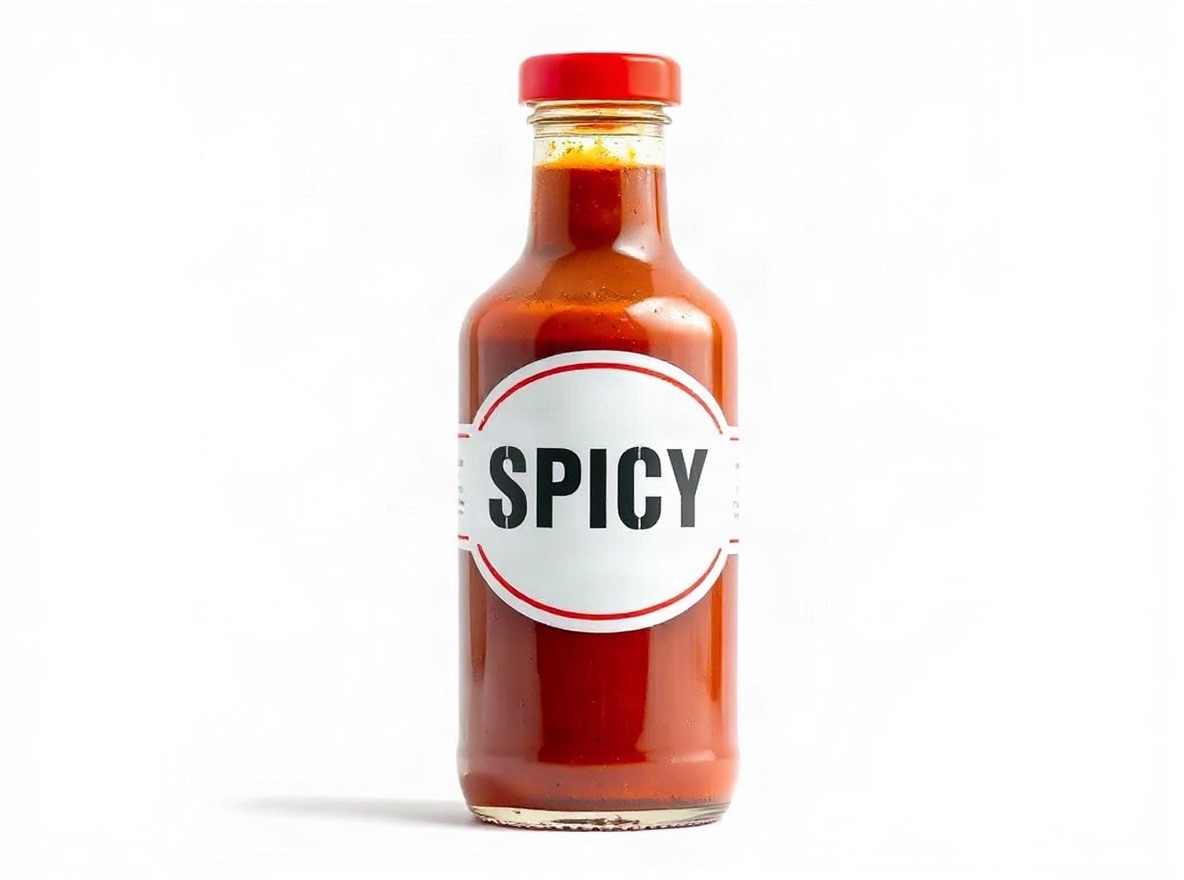 Original photo: glass bottle of hot sauce with a bold printed label that reads CLASSIC in large letters on a white backgroundOriginalGenerated
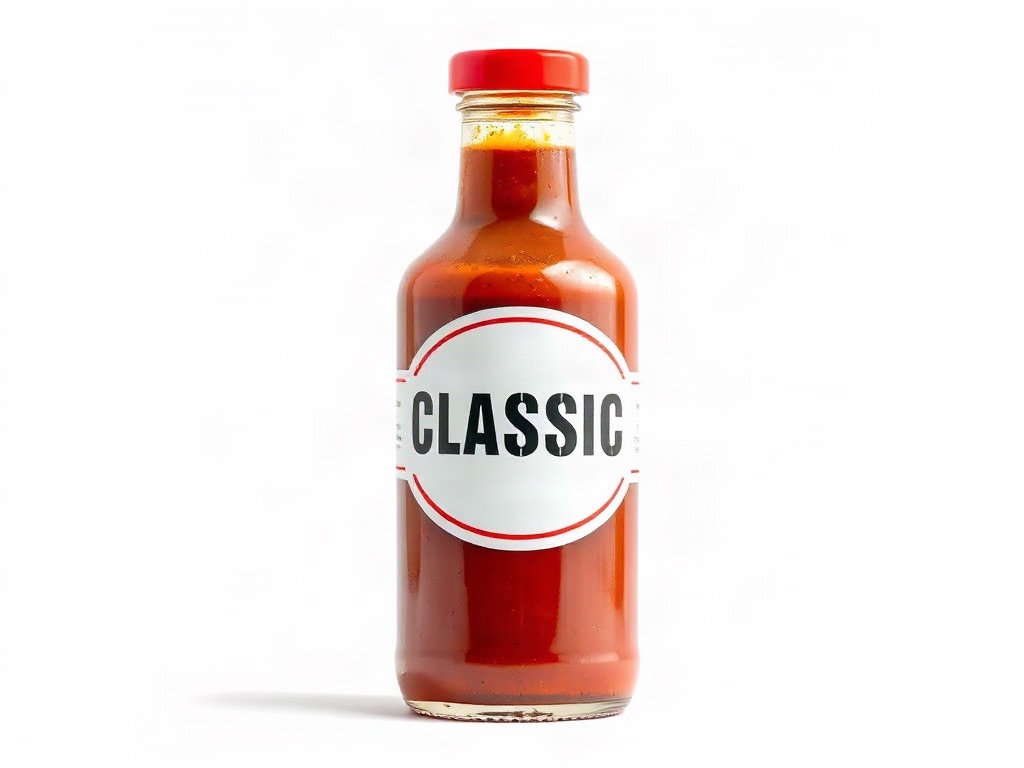
- Edit:
- Label text CLASSIC → SPICY, same font and finish
- For:
- Fix packaging wording on pack shots without a reshoot
Frequently asked questions
Can I edit text in a JPEG without losing quality?
The edit is rendered once at the original resolution and exported at JPEG quality 90, so there is no visible generation loss compared with the input.
Does the font stay the same in a JPG?
Yes. The model references the original letters in the JPG and renders the new words to match font, weight, colour and texture.
What JPG sizes work best?
Anything from a 1000px phone photo to a 4000px scan. Very small text (under ~12px tall) may need a higher-resolution input.
Upload one photo and see four results
2 credits per image. New accounts get 5 free credits — enough to test it on your own photo.
More tools
- AI virtual try-on — put your clothes on a modelVirtual try-on for sellers: upload a flat-lay or ghost-mannequin shot, pick an AI fashion model, and get on-model photos that keep every stitch of the garment. Amazon-, Shopify- and TikTok-ready sizes.
- AI product photography — lifestyle scenes from one photoPlace your product in a kitchen, living room, desk or outdoor scene. The product stays pixel-exact; the scene, light and shadows are generated around it.
- Edit text in image or photo online — keep the same fontEdit text in an image or photo without Photoshop: AI finds every line, you retype it, and the new words keep the original font, colour and texture. Change text in a JPG, a label, a banner or a screenshot in seconds; 5 free credits.
- Edit text in a screenshot — fix a word without rebuilding the UIChange a button label, a caption, a name or a number in a phone or desktop screenshot. AI matches the interface font and background so the fix looks native. No design tool needed.
- Recolor image online — change the colour of anything in a photoRecolor an image with AI: name the part (a shirt, a lid, a bag, the background), pick the new colour, and get the same photo in that colour. Texture, folds, shadows and printed text stay. 2 credits per image.
- Amazon infographic images — A+ feature callouts with real textMake Amazon infographic images and A+ content modules in a minute: describe the product, type up to four selling points, pick a layout. The text is rendered exactly as typed, readable at thumbnail size. 1 credit per image.