2 credits per image · compare slider on every result
Edit text in a screenshot — fix a word without rebuilding the UI
Screenshots are flat pixels: a typo in a label or a name you need to blur-replace means redoing the whole thing. Here you click the line, type the new text and the AI re-renders it in the same UI font on the same background.
- Only the named part changes
- Amazon, Shopify, TikTok Shop, Etsy exports
- Product pixels locked
A supplier white-background shot is enough. We cut the product out, then build the model or the scene around it.
Or click to open the studio · PNG, JPG, WebP up to 15MB
How it works
01
Upload the screenshot (PNG straight from the device is best).
02
Analyze: every text line in the interface is numbered.
03
Click the label, caption or number, type the correction, generate and download.
Change text in screenshot · Screenshot text editor · Edit screenshot text
Change text in a screenshot, edit screenshot text, screenshot text editor — one tool for all of them.
Why it works for listings
Matches UI fonts
System and app fonts, buttons, badges and captions are rendered in the same typeface and weight.
Keeps the layout
Only the selected line changes; icons, spacing and the rest of the screen stay pixel-identical.
Works for docs and demos
Replace sample names, prices or dates in product screenshots before they go into a listing, a deck or a help article.
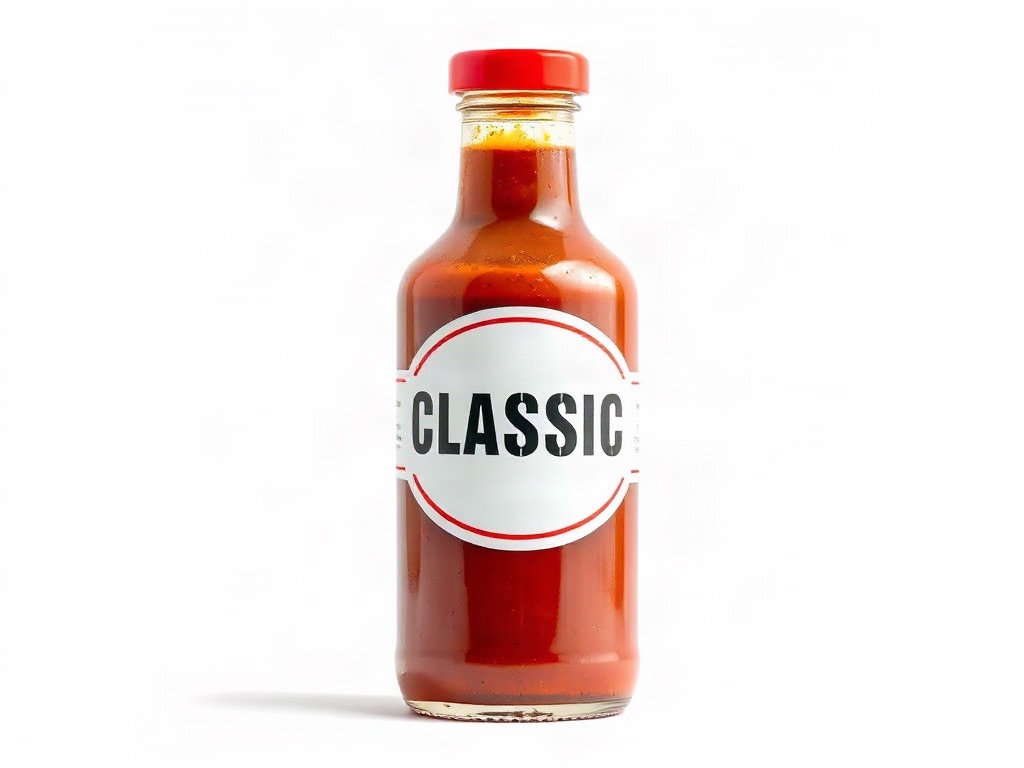
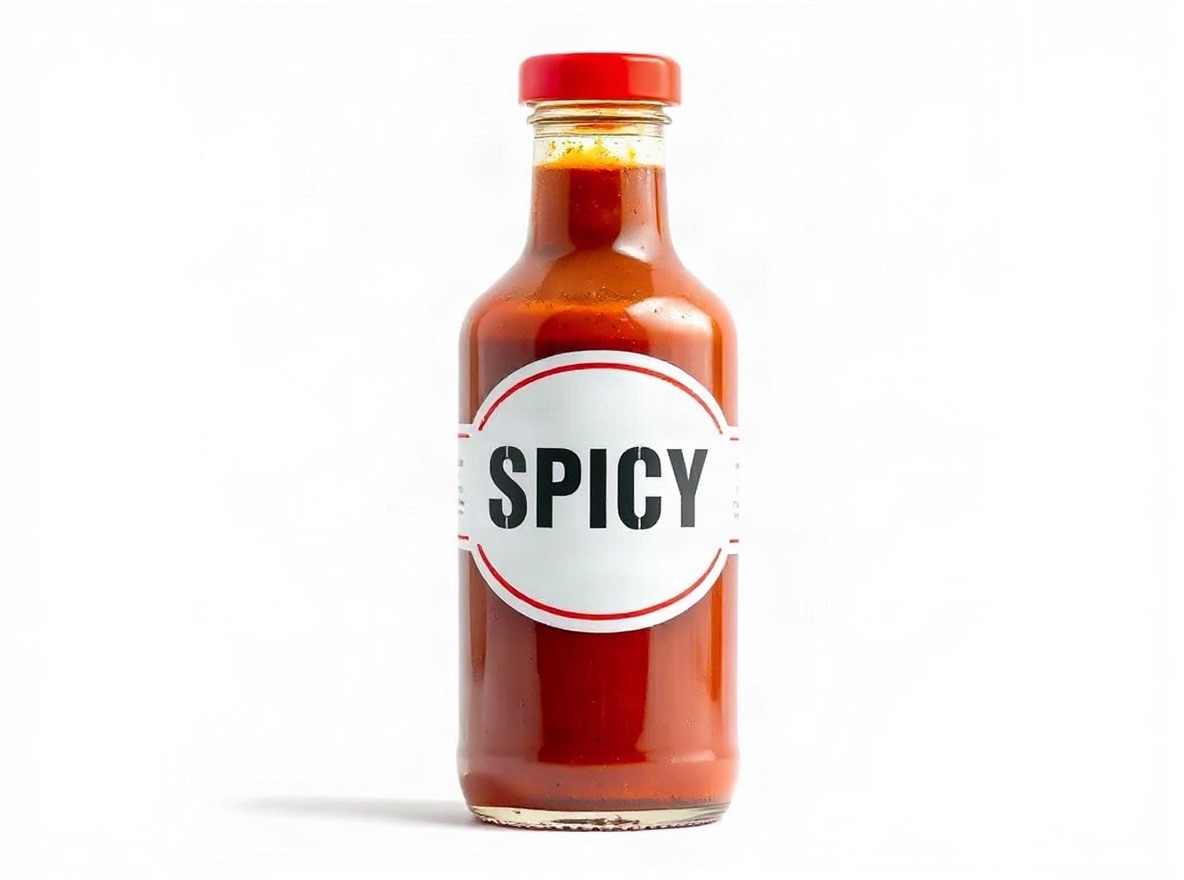 Original photo: glass bottle of hot sauce with a bold printed label that reads CLASSIC in large letters on a white backgroundOriginalGenerated
- Edit:
- Label text CLASSIC → SPICY, same font and finish
- For:
- Fix packaging wording on pack shots without a reshoot
Frequently asked questions
Can I change a name or email in a screenshot?
Yes — select the line and type the replacement. Use it for your own screenshots and placeholder data; do not use it to forge records.
Will the status bar or icons change?
No. Only the line you retype is regenerated; everything else is left untouched.
PNG or JPG screenshot?
PNG keeps UI text crisp and gives the cleanest result. JPG screenshots work too.
Upload one photo and see four results
2 credits per image. New accounts get 5 free credits — enough to test it on your own photo.
More tools
- AI virtual try-on — put your clothes on a modelVirtual try-on for sellers: upload a flat-lay or ghost-mannequin shot, pick an AI fashion model, and get on-model photos that keep every stitch of the garment. Amazon-, Shopify- and TikTok-ready sizes.
- AI product photography — lifestyle scenes from one photoPlace your product in a kitchen, living room, desk or outdoor scene. The product stays pixel-exact; the scene, light and shadows are generated around it.
- Edit text in image or photo online — keep the same fontEdit text in an image or photo without Photoshop: AI finds every line, you retype it, and the new words keep the original font, colour and texture. Change text in a JPG, a label, a banner or a screenshot in seconds; 5 free credits.
- Edit text in a JPG online — same font, no layersEdit the text in a JPG or JPEG without the source file. AI detects the lines, you retype them, and the replacement matches the original font and colour. Works on flat exports, scans and phone photos.
- Recolor image online — change the colour of anything in a photoRecolor an image with AI: name the part (a shirt, a lid, a bag, the background), pick the new colour, and get the same photo in that colour. Texture, folds, shadows and printed text stay. 2 credits per image.
- Amazon infographic images — A+ feature callouts with real textMake Amazon infographic images and A+ content modules in a minute: describe the product, type up to four selling points, pick a layout. The text is rendered exactly as typed, readable at thumbnail size. 1 credit per image.